Product story
Title, HTML description, product type, vendor, price, and useful product-specific tags.
Embedded Shopify application
Turn preview images for downloadable and digital products into complete, editable Shopify listing drafts. Review every field, attach the customer download, and publish only when you are ready.
How it works
Create up to 10 drafts in a batch. Store learning is optional: use starter setup right away, or choose Learn from my listings when you want the app to learn from eligible active listings.
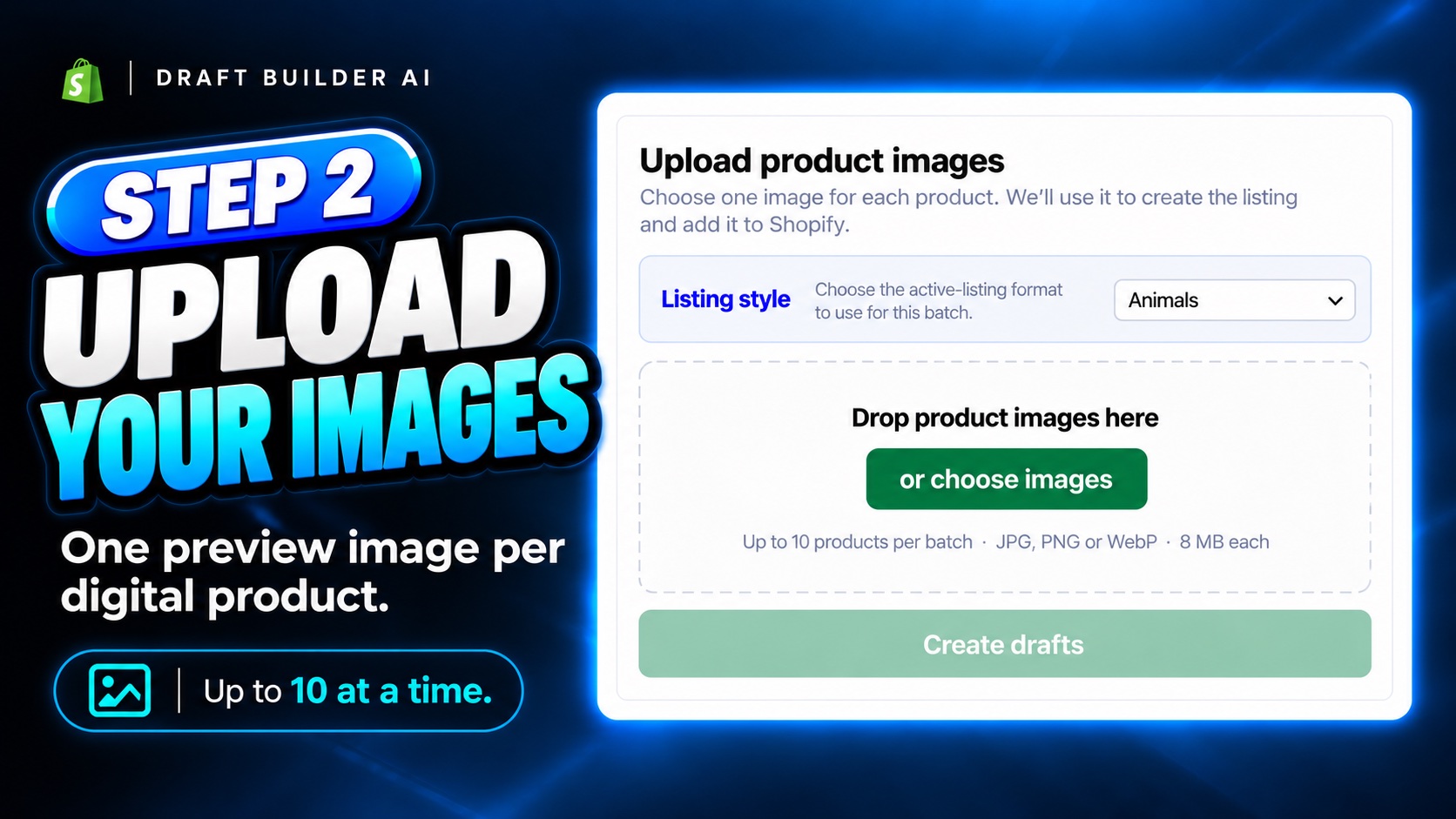
Add one clear preview image for each digital product.
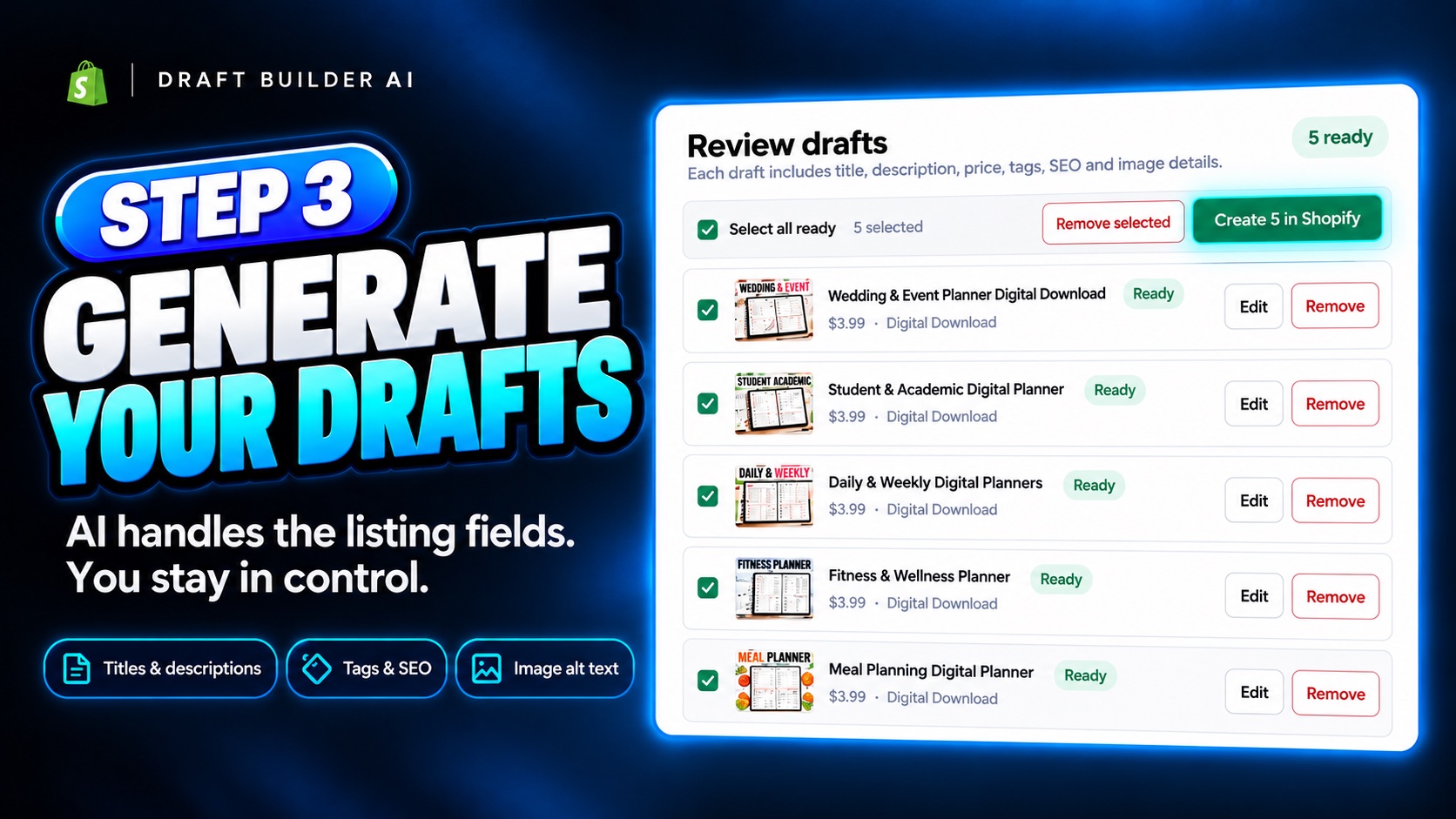
Check the title, description, tags, price, SEO fields, URL handle, and image alt text.
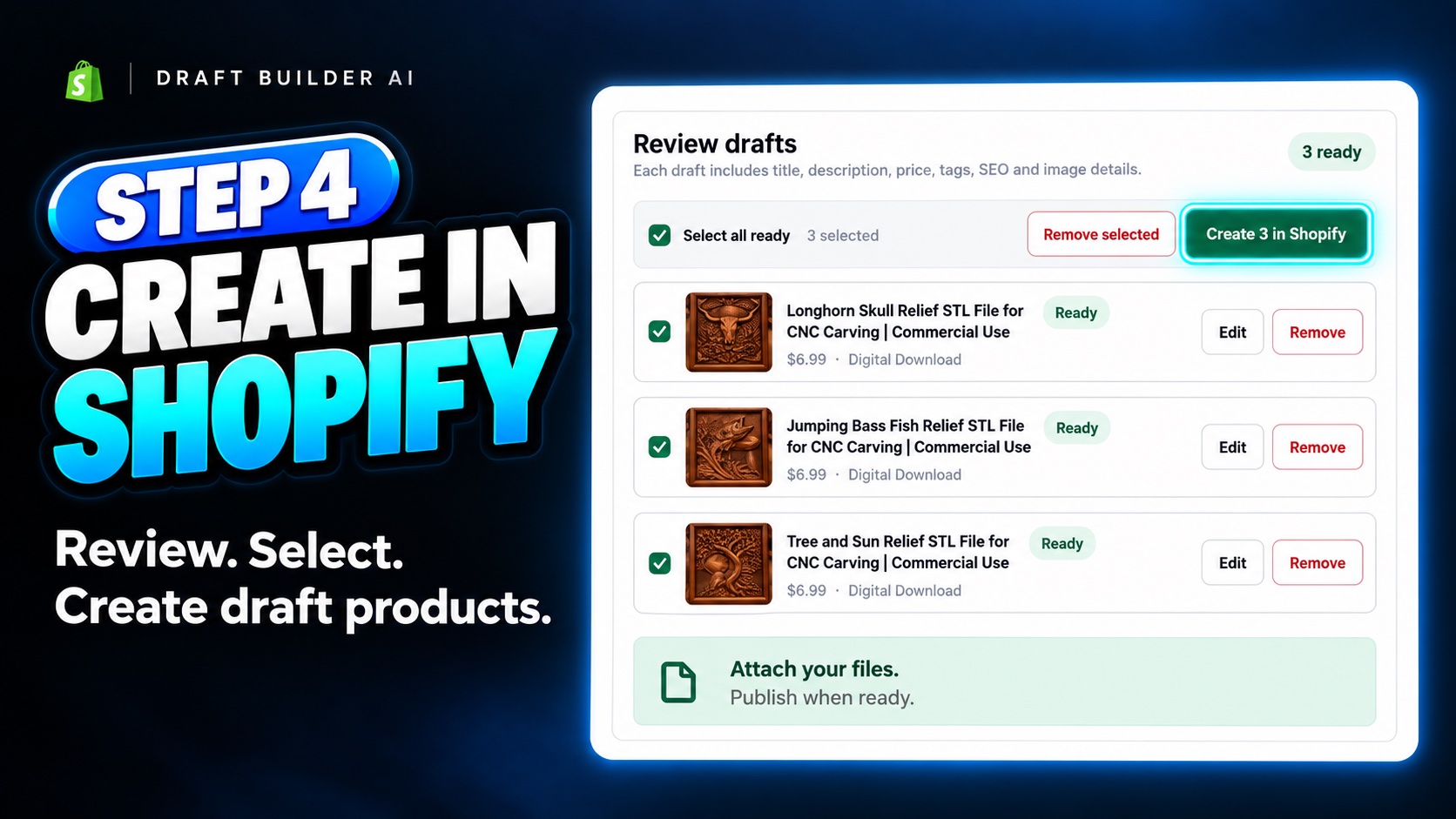
Send reviewed listings to Shopify as drafts, then attach the downloadable files and publish them yourself.
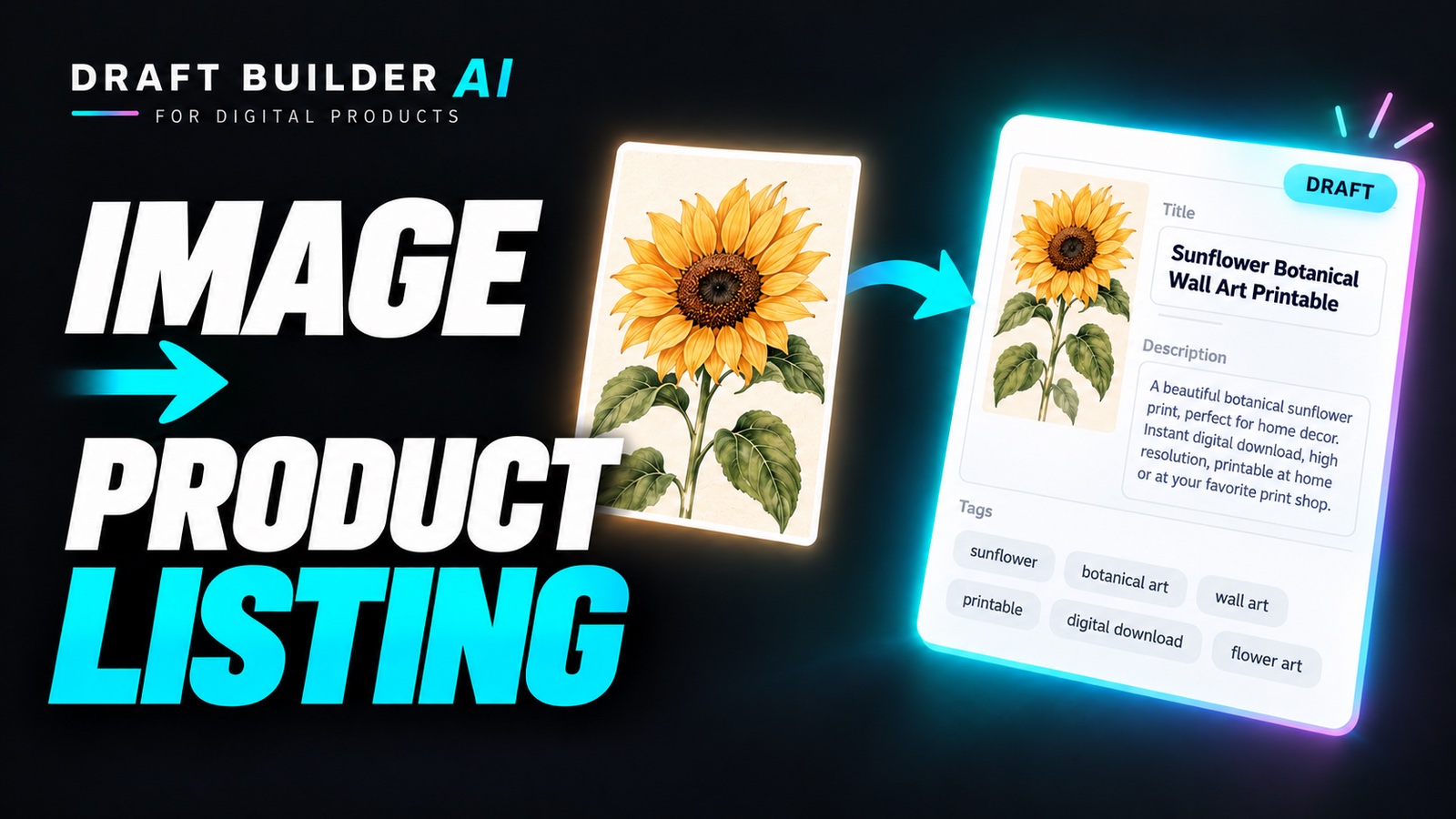 Watch the complete walkthroughSee both starter setup and learned-store workflows on YouTube.
What a draft can include
Draft Builder AI can prepare the complete working draft while keeping every field editable.
Title, HTML description, product type, vendor, price, and useful product-specific tags.
SEO title, meta description, and a clean URL handle ready for your review.
An editable image alt-text suggestion. When the product is sent to Shopify, the app derives an upload filename from the reviewed product handle or title.
Store-aware when possible
AI store-style learning happens only when you choose Learn from my listings. It uses eligible active digital-product listings and does not consume a draft credit. Check Shopify for changes updates product statuses and categories without relearning style or pricing. If eligible learned pricing can supply a price, Default price may remain blank; otherwise, save a Default price greater than zero before creating drafts.
A Shopify category is inherited only when the app has checked the eligible active digital listings, every checked listing has a category, and all of them use the same category. Otherwise the category remains blank for merchant review.
Draft Builder AI creates the Shopify product draft. Before publishing, attach the actual STL, PDF, audio file, design file, or other customer download using your Shopify delivery setup. Then review category and collection placement.
Simple pricing
One credit creates one complete draft. Purchases are one-time charges processed through Shopify. There is no subscription. Credits have no time-based expiration. Shopify-required data deletion after uninstall permanently removes the stored credit balance.
$5
USD · one-time purchase
$12.50
USD · one-time purchase
$25
USD · one-time purchase
A reserved credit is returned when the app confirms that no paid AI request completed or that the provider rejected the request. If the provider result cannot yet be confirmed, the operation is protected for safe recovery and the credit remains pending until reconciliation. The app does not silently send a second paid request. Retrying a failed Shopify product creation does not use another credit. See the Credits and Refund Policy.
Edit the listing, attach the download, check its organization, and choose when it becomes active.